
The procedure to access the diary is described below in detail:
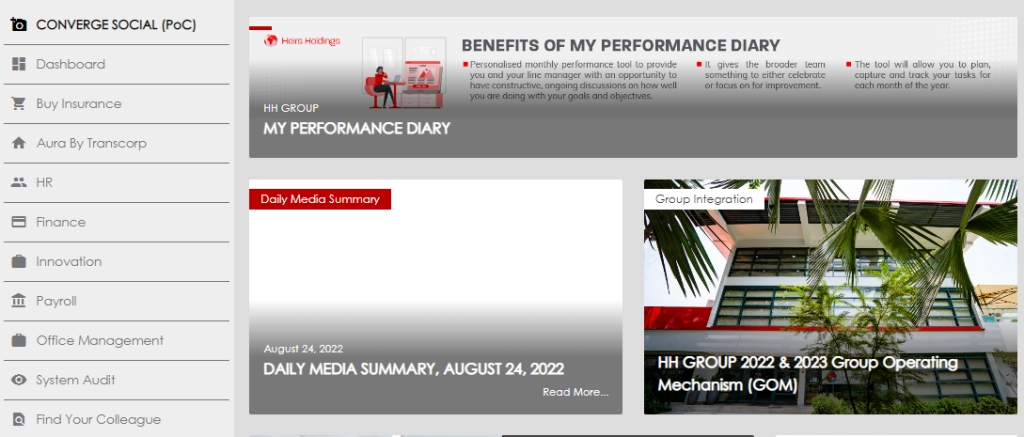
- Click the HR tab in Converge, scroll down, and select “My Performance Diary” to view the journal.
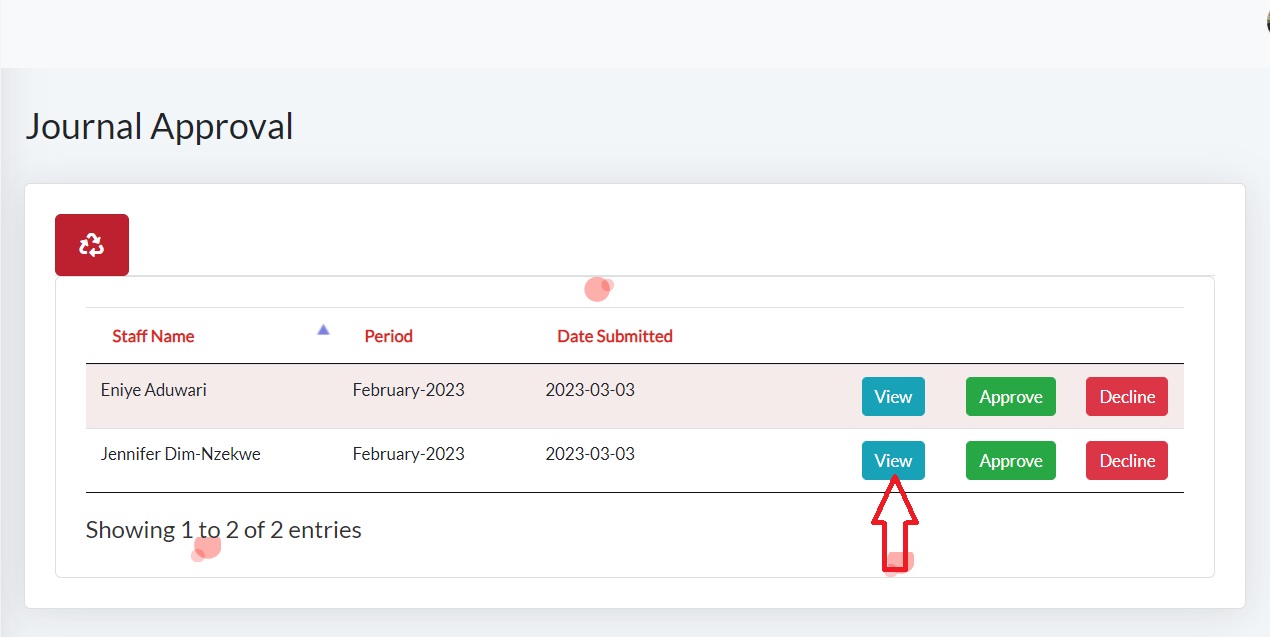
- Select the view button to review the entries made by your direct reports.
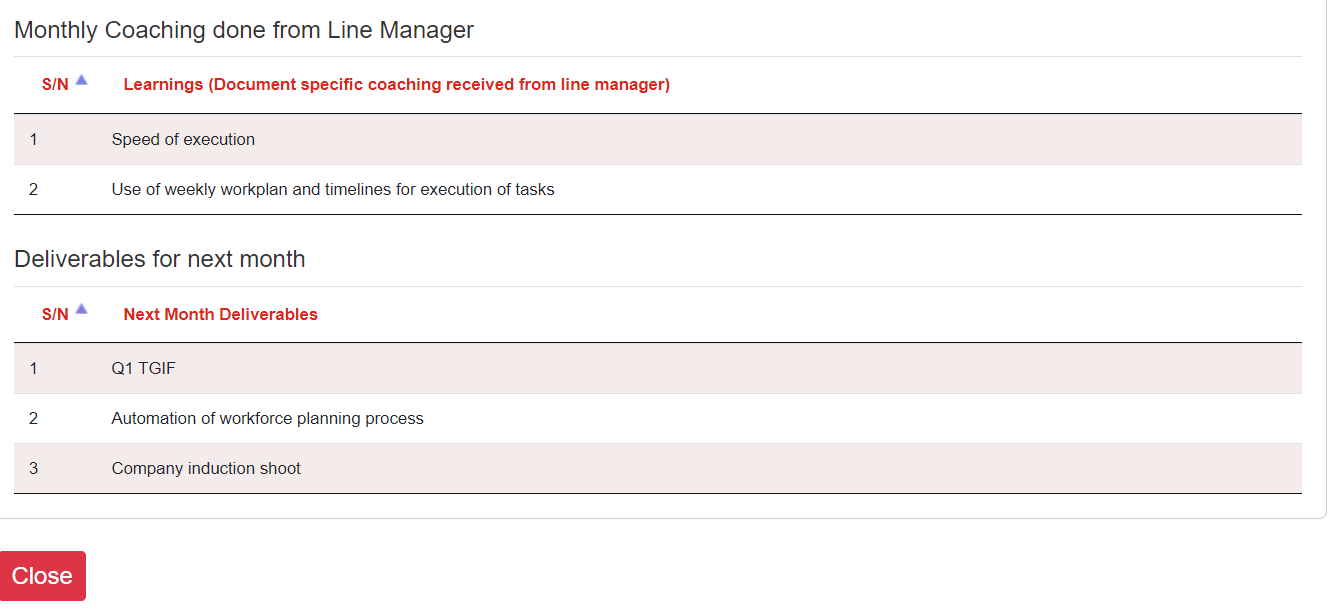
- Please scroll down the page to review the entries and confirm that the line items were agreed upon and discussed by you and your direct reports.
- When you complete the review, please close the page and it re-directs you back to your dashboard.
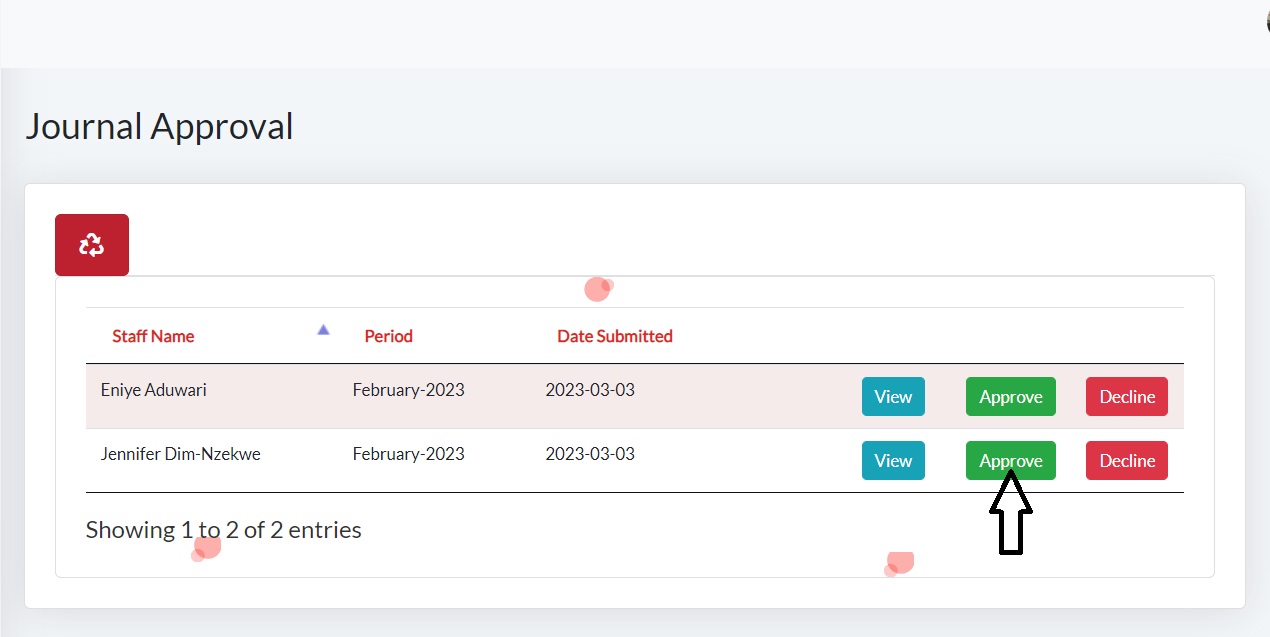
- Please click on the Approve button to approve the journal or decline if you need changes to be made on the entry.